Get under the cage.
Lift off the perforated cover and inspect the valve assembly. The demo begins with a blown fuse and an unseated rectifier.

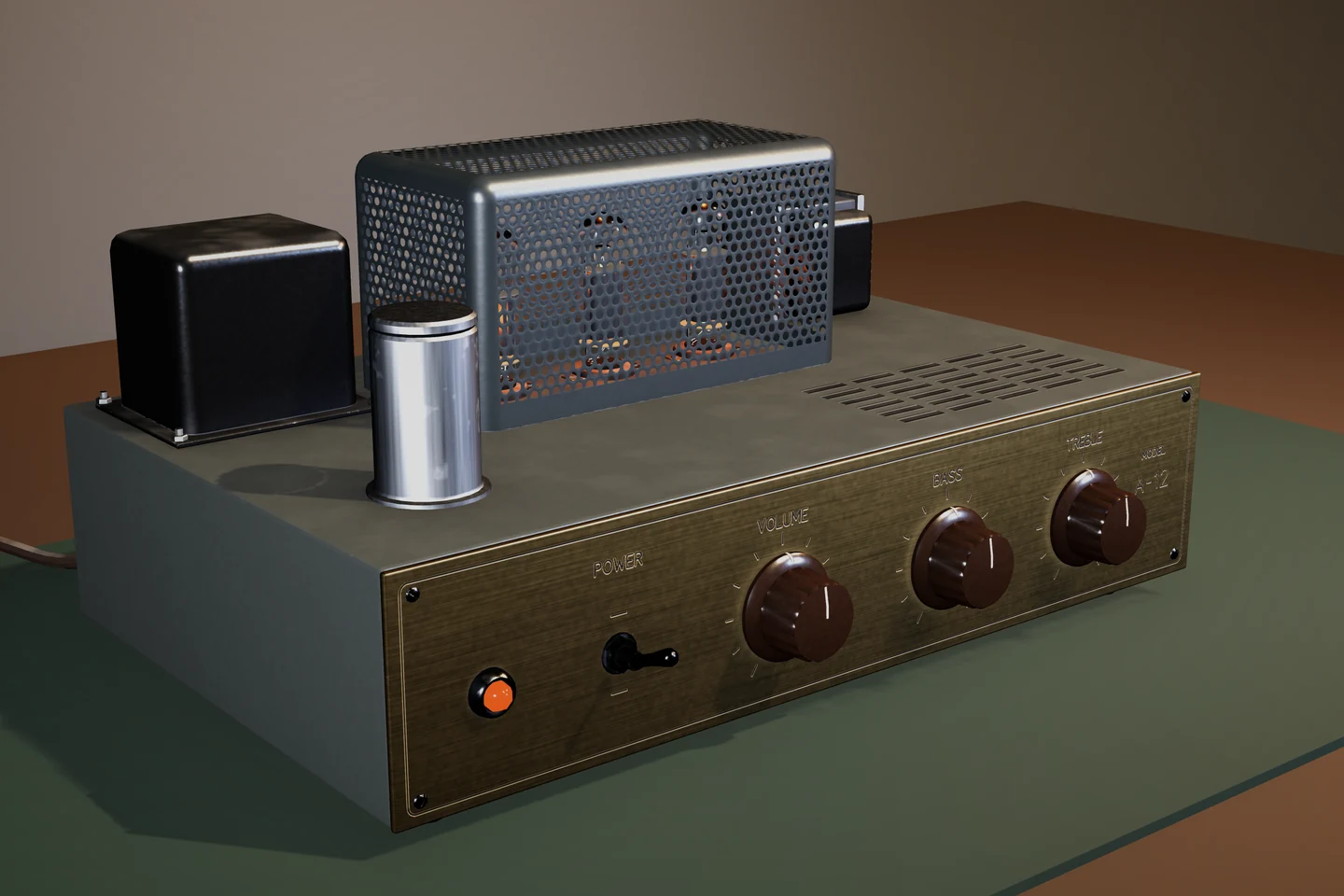
The cage is fitted. This repaired device is shown powered, with the pilot lamp and valve heaters lit.
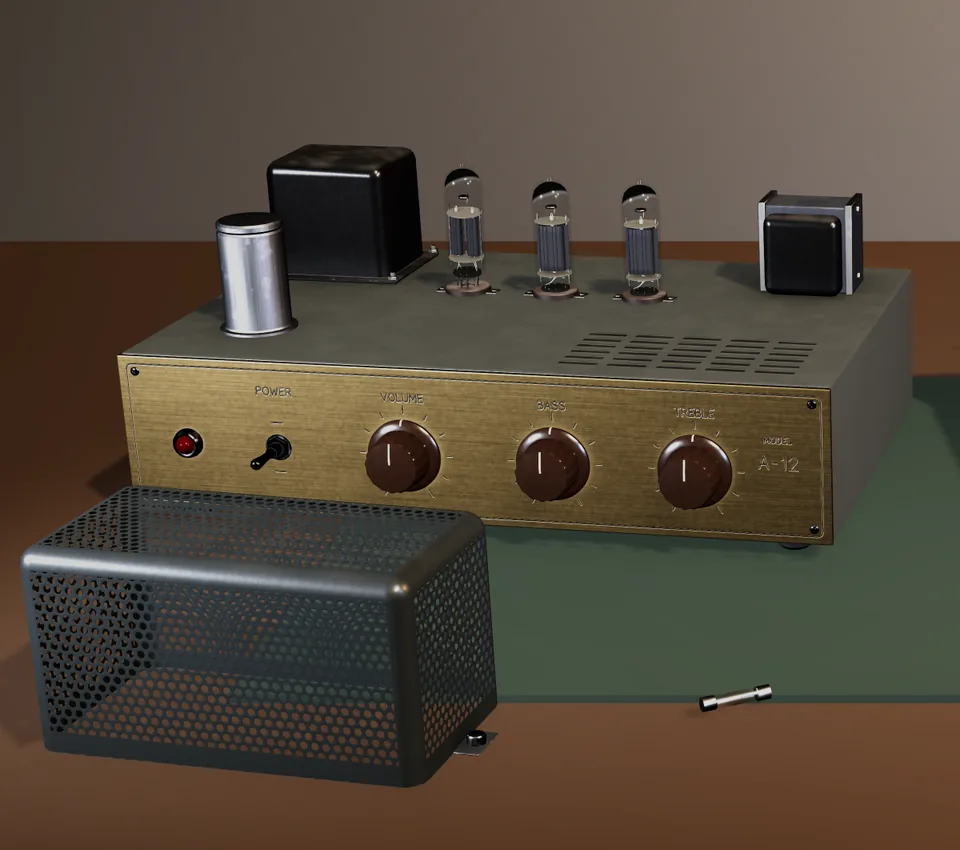
Remove the cover to reach the valve assembly. The demo starts with a blown fuse and an unseated rectifier.
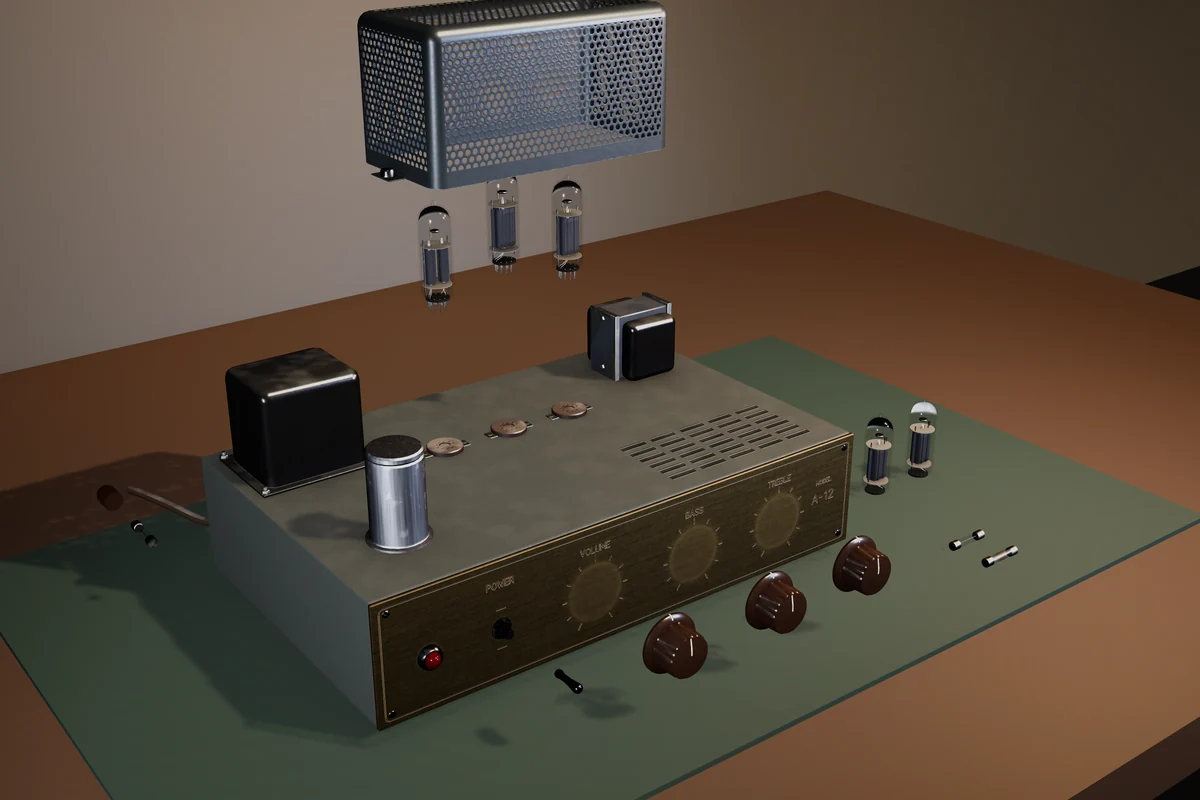
Reseat the rectifier and replace the blown fuse. This component breakdown shows the separate pieces behind the repair interaction.
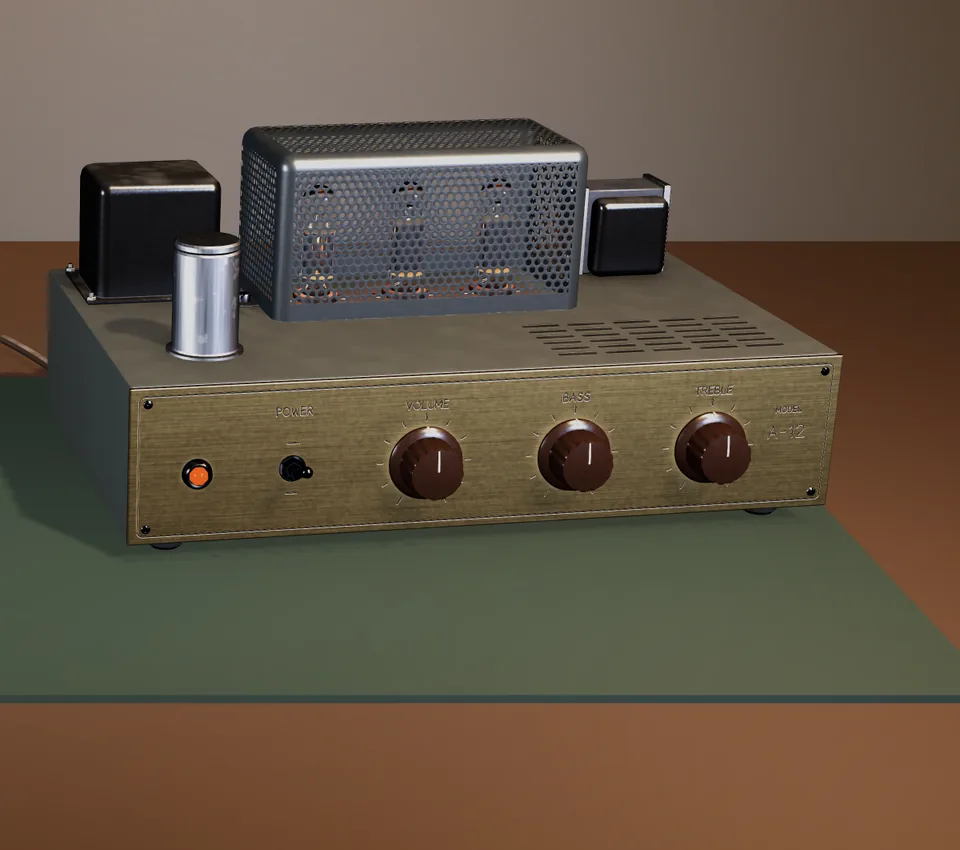
Refit the cage and switch on. A successful repair lights the pilot lamp and valve heaters; an unresolved fault fails the power test.
Explore the captured states. This is an image walkthrough of the Unity asset.
Component states and animated actions make the object’s condition visible.
Lift off the perforated cover and inspect the valve assembly. The demo begins with a blown fuse and an unseated rectifier.
Reseat the rectifier, remove the blown fuse, and fit its replacement. Replaceable valve variants and eased component motion are included.
Refit the cage and switch on. A successful repair brings up the pilot lamp and valve heaters. An unresolved fault fails the power test.
Use it as a hero prop or the basis of a repair interaction in a workshop, puzzle, horror, or simulation scene. Open the supplied implementation and connect it to your own game.
The included repair behavior is scoped to this device. It is not a complete workshop game or a general-purpose repair framework.
Tested in Unity 6000.5.9f1 with URP 17.5.0 on the Windows Editor. Other Unity versions, platforms, HDRP, and the Built-in Render Pipeline have not been tested.
Start with your product, Unity version, and the steps that led you here. We’ll have the detail needed to investigate.